
GTA 6 crashes on PS5 with error code CE-108255-1
Updated

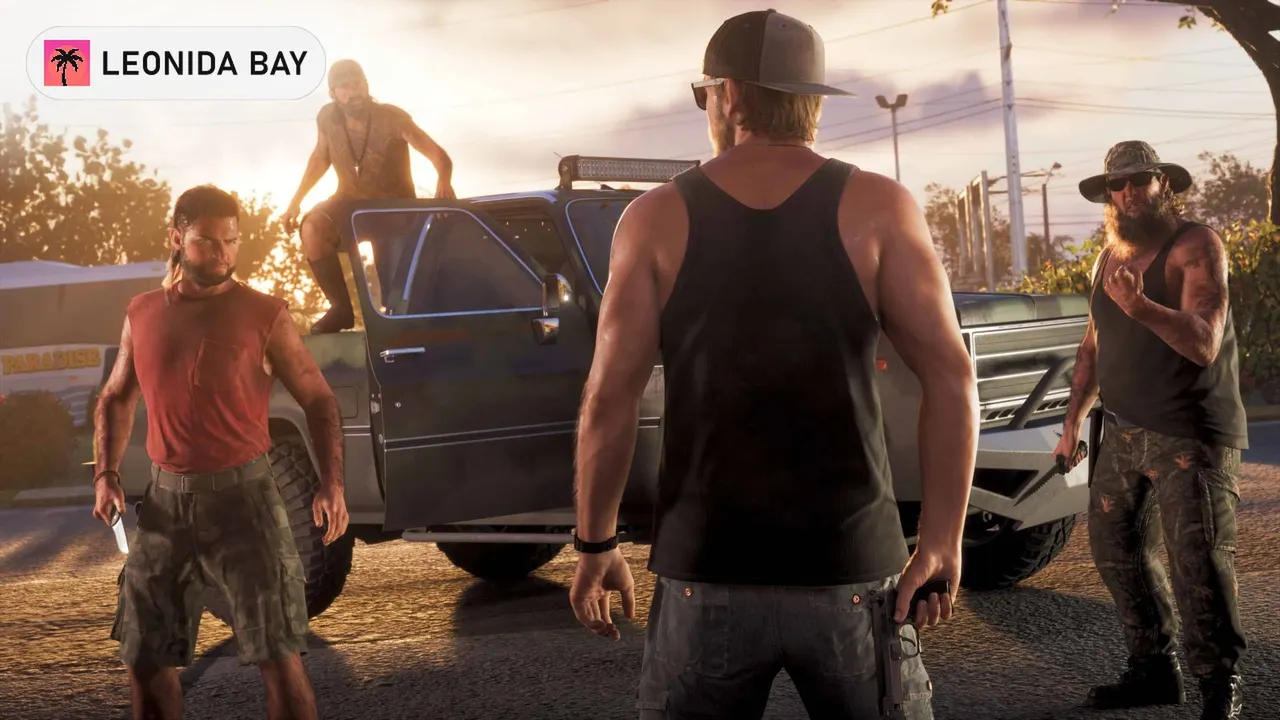
Players on PS5 and some on Xbox report crashes with error CE-108255-1. Reports point to console cooling, and Rockstar hasn't announced a patch.
GTA 6 is crashing on some PS5 consoles with error CE-108255-1, and the usual fixes don't work, so affected players can get stuck unable to progress. Polygon, Dexerto and Vandal report it after the November 19 launch, and Rockstar hasn't confirmed the cause.
Update 15:30
Rockstar has released the first post-launch patch, version 01.002.002 (1.0.2.2 depending on the platform), on PS5 and…
Rockstar has released the first post-launch patch, version 01.002.002 (1.0.2.2 depending on the platform), on PS5 and Xbox Series X|S. According to the patch notes reported by GamesRadar+, it includes several fixes for unexpected crashes and one for an issue that stopped the game from autosaving correctly, so players should lose less progress. That changes what we reported: until now there was no patch. The report does not mention error CE-108255-1 or PS5 cooling, so it is unclear whether this fixes your case. Gameranx adds that some players say their console stopped working while they were playing.
Rockstar had already signaled the game is demanding: Rob Nelson of Rockstar told VICE the console target is 30 fps. Since the launch on November 19, the first technical complaints have arrived, and most come from PS5. While many players explore Leonida, others can't get past the dashboard.
What is the GTA 6 PS5 crash with error CE-108255-1?
It's a generic PS5 code meaning an error occurred with the game or application, according to Sony's support page as…
It's a generic PS5 code meaning an error occurred with the game or application, according to Sony's support page as cited by Polygon. Sony suggests updating the game or visiting its repairs page.
Wccftech says social media and Reddit are full of players whose game closes after a few minutes with that code. Dexerto quotes a PS5 Pro owner whose game crashes as soon as the prologue starts.
The crash at a glance
- Error
- CE-108255-1 on PS5
- What happens
- The game closes and returns to the console dashboard
- Who reports it
- Wccftech, Polygon, Dexerto and Vandal
- Cause
- Unconfirmed; cooling or software are the leading theories
- Patch
- Rockstar hasn't announced one
Is it the console or the game?
Nobody has confirmed it.
Nobody has confirmed it. The most repeated theory is hardware: the X account @ghost_motley, which focuses on hardware, argues GTA 6 is so intensive it's exposing PS5 units that weren't truly stable.
Because of how intensive Grand Theft Auto VI is, it's exposing a lot of PS5s that weren't truly stable.
Wccftech and Vandal point to built-up dust or to the liquid metal cooling used in some PS5 units, which can dry out and leave parts of the processor (APU) poorly cooled. Vandal adds that Sony addressed that flaw in 2024 with the PS5 Pro and in 2025 with a PS5 Slim revision (model CFI-2100), adding slots that keep the liquid from reaching the APU.
Polygon shows the other side. One player says Rockstar's support sent them to PlayStation, while Gizmodo reports that PlayStation support told another person it's a software issue. An X user claims they replaced their console's liquid metal and still got the crash.
What players have tried
Clearing the cache, rebuilding the database, reinstalling, updating firmware or restoring the license works for some…
Clearing the cache, rebuilding the database, reinstalling, updating firmware or restoring the license works for some and not for others, according to Polygon. Some sidestep the crash by switching the PS5's resolution from Manual to 1080p in system settings.
Instant Gaming News suggests cleaning dust out of the console and keeping several save files in case a crash corrupts data. If you haven't started yet, keep the GTA 6 beginner's guide handy and set up those backups from day one.
Xbox reports exist too
Dexerto says some Xbox Series X players see crashes within 15 minutes of play.
Dexerto says some Xbox Series X players see crashes within 15 minutes of play. One says the first came about 2 hours in and it has repeated ever since.
Those are isolated accounts, and no outlet links them to cooling. For perspective, the reports with an error code are concentrated on PS5 so far.
What's still unconfirmed
It's still unclear whether hardware or software is to blame.
It's still unclear whether hardware or software is to blame. Rockstar hasn't published a patch or a statement, and its troubleshooting page sends console errors to PlayStation or Xbox support, according to Dexerto. Sony hasn't offered a concrete fix either.
The next clue would be a statement from Sony or an update from Rockstar. If your PS5 is affected, note the code and open a case with PlayStation Repairs.
FAQ
What does error CE-108255-1 mean on PS5?
It's a generic code meaning an error occurred with the game or application, according to Sony's support page as cited by Polygon after GTA 6 launched on November 19, 2026.
How do you fix GTA 6 crashing on PS5?
There's no official fix. Sony suggests updating the game or visiting PlayStation Repairs, and some players say switching resolution from Manual to 1080p helped, according to Polygon.
Is GTA 6 overheating PS5 consoles?
It isn't confirmed. Wccftech and Vandal point to dust or liquid metal cooling, but Rockstar and Sony haven't given an official cause so far.
Cover image: Rockstar Games (mp1st.com)
News like this, recapped weekly in your inbox
Keep reading


Comments0
Be the first to comment.