Saltar al contenido · Skip to content
Beta

Loading…

    GTA 6 PS5 controls open a vehicle menu from the radio

    Updated

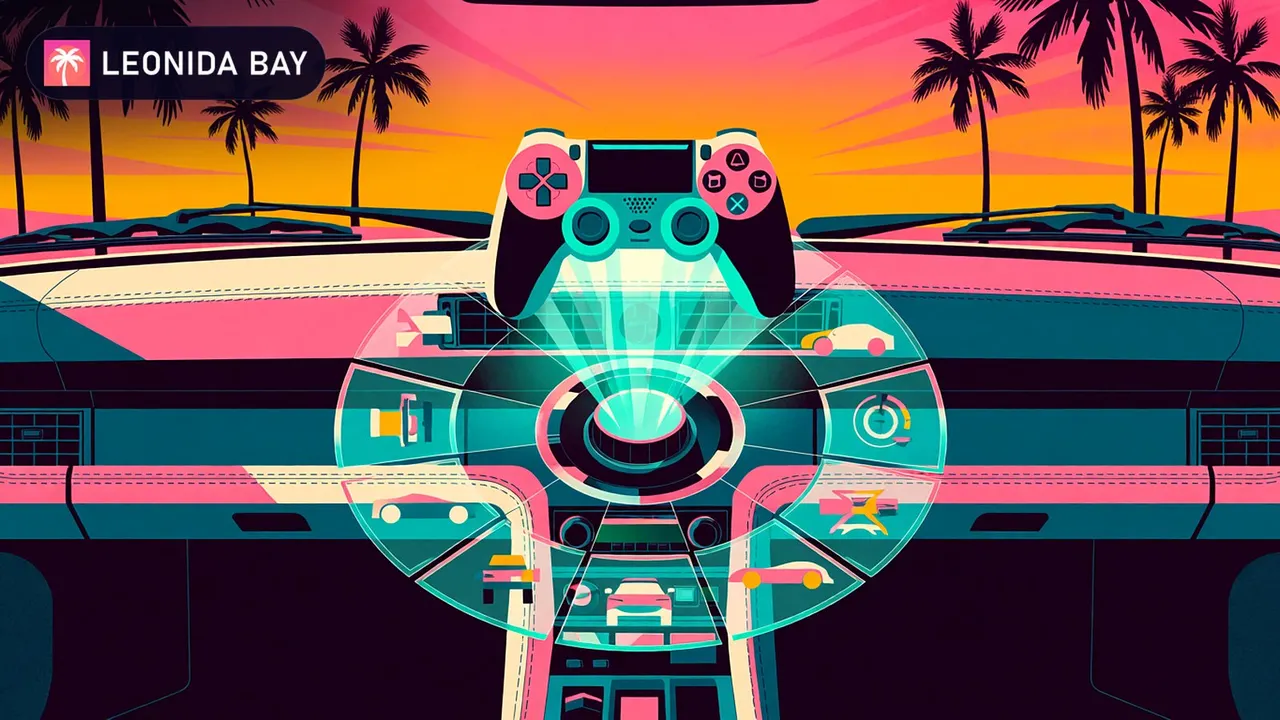
    Cover: GTA 6 PS5 controls open a vehicle menu from the radio

    From the driver's seat in GTA 6, hold left on the D-pad, push the right stick up and open the trunk, windows and hazards without leaving the car.

    GTA 6 PS5 controls let you pop the trunk, roll down a window or turn on the hazards from the driver's seat, by holding left on the D-pad and pushing the right stick up. GTA BOOM reported the shortcuts on November 22, 2026 after testing on PlayStation, and Rockstar hasn't confirmed them.

    GTA 6 launched on November 19, 2026 on PS5 and Xbox Series X|S, and players are still finding out what the vehicles in GTA 6 can do. Nobody expects a car's settings to hide inside the radio menu, which is exactly where GTA BOOM found them. The vehicle tab sits right above Radio.

    How do the GTA 6 PS5 controls open the vehicle menu?

    From the driver's seat, hold left on the D-pad to open Radio, then push the right stick up to reach the Vehicle tab,…

    From the driver's seat, hold left on the D-pad to open Radio, then push the right stick up to reach the Vehicle tab, according to GTA BOOM. Radio is the way in, and Rockstar had already presented the game's six radio stations and on-demand podcasts in its October 8, 2026 Newswire post.

    Inside the menu, you move between settings with L1 and R1 on PlayStation or LB and RB on Xbox. To do what the prompt says, press X on PlayStation or A on Xbox.

    GTA BOOM recorded these steps on PlayStation. The outlet says the Xbox controls don't come from a separate playthrough of its own, so keep that in mind if you play on that console.

    Comparison

    Vehicle menu buttons

    Vehicle menu buttons
    ActionPlayStationXbox
    Move between settingsL1 and R1LB and RB
    Do what the prompt saysXA
    Change the headlights without the menuCircleB
    Open the driver's doorSquareX

    Source: GTA BOOM

    A menu that shows the state of each setting

    The menu shows the action and the car's current state.

    The menu shows the action and the car's current state. When the windows are closed, for example, the prompt reads Roll Down.

    GTA BOOM tested with the Penumbra FF. That car had controls for the headlights, hazards, underglow, engine, trunk and window. The outlet warns that not every vehicle has the same set, so look for the option your car actually has instead of expecting the same list every time.

    Fact file

    The find at a glance

    What it is
    A vehicle menu hidden above the radio tab
    How to open it
    Hold left on the D-pad, push the right stick up
    Tested on
    PlayStation, in the Penumbra FF
    Who reports it
    GTA BOOM, November 22, 2026
    Status
    Rockstar hasn't confirmed it

    What does the same button do if you tap or hold it?

    The action changes with how you press.

    The action changes with how you press. If you only want the headlights, tap Circle on PlayStation or B on Xbox while driving, with no need to open the vehicle menu. Hold that same button in a car and your character ducks down.

    Square on PlayStation or X on Xbox swings the driver's door open without getting out. On foot, holding up on the D-pad opens WAiNK directly. That's the app Game Informer mentioned in its September 29, 2026 feature, and a quick press brings out the phone instead.

    One more shortcut: if you're already holding a drink, press left on the D-pad to swap hands without putting it down. GTA BOOM recorded Jason passing a bottle from one hand to the other.

    Less stopping, more driving

    For you, the practical gain is that several car tasks no longer need a stop.

    For you, the practical gain is that several car tasks no longer need a stop. You can turn on the hazards, open the trunk or roll down a window without leaving the seat.

    The on-foot WAiNK shortcut lets you check a vehicle with the app without picking it from the list first. If you're just starting out, the GTA 6 beginner's guide covers the basics for getting around Leonida.

    What's still unconfirmed about the shortcuts

    Rockstar hasn't published a list of vehicle controls or said which options each car has.

    Rockstar hasn't published a list of vehicle controls or said which options each car has. GTA BOOM tested a single model on PlayStation, so a full list and the Xbox buttons depend on what Rockstar confirms in its Newswire or support pages, with no date announced.

    Until then, a practical tip: every time you switch cars, open the Vehicle tab and see which settings it offers before assuming anything.

    FAQ

    How do I open the trunk in GTA 6 from the car?

    Hold left on the D-pad to open Radio, push the right stick up to Vehicle and pick the trunk, according to GTA BOOM on November 22, 2026. It depends on your car having that option.

    How do I turn on the headlights in GTA 6 without the menu?

    Tap Circle on PlayStation or B on Xbox while driving, according to GTA BOOM on November 22, 2026. If you hold that button in a car, your character ducks down.

    Do these shortcuts work the same on Xbox?

    GTA BOOM lists the Xbox buttons but recorded the steps only on PlayStation, according to its November 22, 2026 guide. Rockstar hasn't published an official list of vehicle controls.

    Cover image: Ilustracion generada con Krea 2 (Krea)

    0Report

    News like this, recapped weekly in your inbox

    Receive in:

    Controller: Leonida Bay. Purpose: sending you the news you ask for. You can unsubscribe in every email. More in Privacy.

    Keep reading

    Comments0

    Log in to join the conversation.

    Be the first to comment.

    Spanish version: Leer esta noticia en español

    Matrícula de adorno: la fecha es la única parte real.Decorative plate: the date is the only real part.