
GTA 6 HUD keeps the map and Pricedown font, says Rockstar
Updated

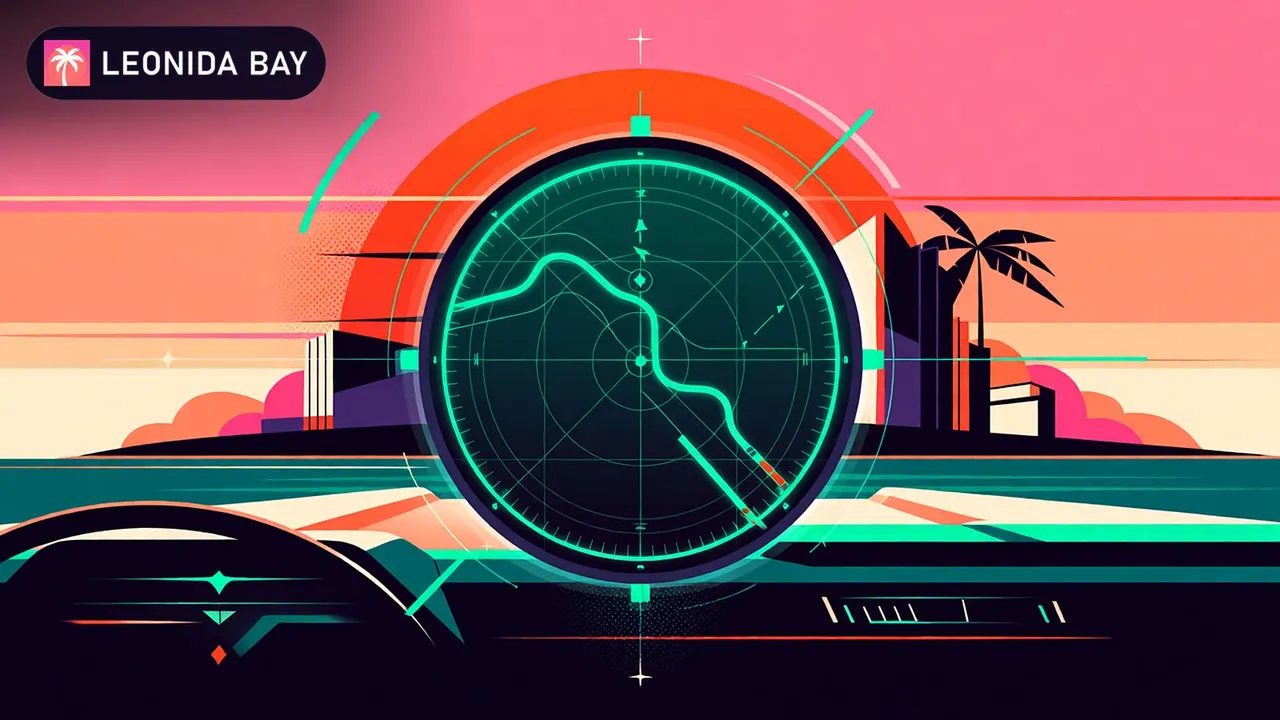
Rockstar modernized the GTA 6 HUD but kept Pricedown, the mini-map and wanted stars. One D-pad button trims the screen, says UI chief Stuart Petri.
GTA 6 keeps the Pricedown font, the mini-map and the wanted stars inside a redesigned HUD that one D-pad button can trim down. Stuart Petri, Rockstar Games' vice president of art for UI design, said so in developer notes sent to TechRadar on November 24, 2026.
Rockstar helped bring Vice City to life almost 25 years ago, and the challenge for GTA 6 was a screen that feels current without losing what makes it GTA. The game launched on November 19, 2026, according to Rockstar's Newswire, and the studio is now explaining how it handled the interface. The person telling the story is the one who designed it.
Yes. Petri says the mini-map is one of the visual signatures that connect past and present, along with the Pricedown font, the wanted stars and the Wasted screen. He shared this in developer notes sent to TechRadar, the same batch in which Rockstar described how it designed the game's non-player characters.
According to Petri, the HUD went from a simple visual design language to something far more sophisticated, layered and considered. The world it sits on has grown enormously in detail, creativity and gameplay complexity, so the interface had to grow with it.
Who says it | Stuart Petri, vice president of art at Rockstar Games (UI design)
Where | Developer notes sent to TechRadar
When | November 24, 2026
What it covers | How the HUD was modernized while keeping GTA's identity
Status | Rockstar's own statements; no options or settings listed
Petri names four things: Pricedown, the familiar mini-map, the wanted stars and the Wasted screen. You already knew them from GTA V, which came out on September 17, 2013 on PS3 and Xbox 360.
His rule is practical. The UI and HUD should be there when you need them and not distract you the rest of the time. He adds that the studio has always been aware of the role they play in the whole experience.
In his view, the screen serves the world it displays, not the other way around.
After all, the game is what matters most, and the UI is there to serve that experience.
Yes, according to Petri. One button on the D-pad minimizes the UI elements so you feel more immersed, and you can bring them all back if you prefer the nostalgic GTA look while you explore Vice City.
Those elements include the map, your wallet, status bars and buffs. Rockstar hasn't said which D-pad direction does it, or whether you can choose which elements disappear.
You can cross the map of Leonida with an almost clean screen and open the full HUD when you need it. Petri frames it as immersion, and Rockstar says it wants to keep players in the world as much as possible.
If you're just starting, try the button during your first hours. Our beginner's guide helps you get your bearings while you decide how much information you want on screen.
The heritage has a comfortable side too: if you played GTA V, you won't have to relearn where to look to see if the police are after you. The stars are still stars.
The notes don't include screenshots of every menu or a list of interface settings. Rockstar hasn't announced more developer notes either, though the series sent to TechRadar already covers non-player characters and the HUD.
Until there's more detail, the practical advice is to test it yourself from day one. Check the editions and dates if you're still choosing a version, then press the D-pad button somewhere quiet in Vice City and decide what gets in your way.
What did Rockstar say about the GTA 6 HUD?
Stuart Petri, Rockstar Games' vice president of art, told TechRadar on November 24, 2026 that the HUD was modernized without losing GTA's heritage or the player's immersion.
Can you turn off the HUD in GTA 6?
According to Petri, in notes sent to TechRadar on November 24, 2026, one D-pad button reduces the interface elements and also lets you show all of them again.
Which classic elements does the GTA 6 HUD keep?
Petri names the Pricedown font, the mini-map, the wanted stars and the Wasted screen as visual signatures of the series, in statements to TechRadar dated November 24, 2026.
Sources
Cover image: Ilustracion generada con Krea 2 (Krea)
News like this, recapped weekly in your inbox
Keep reading
Comments0
Be the first to comment.