
Free Veyra app makes GTA 6 look like 60 FPS on PS5
Updated

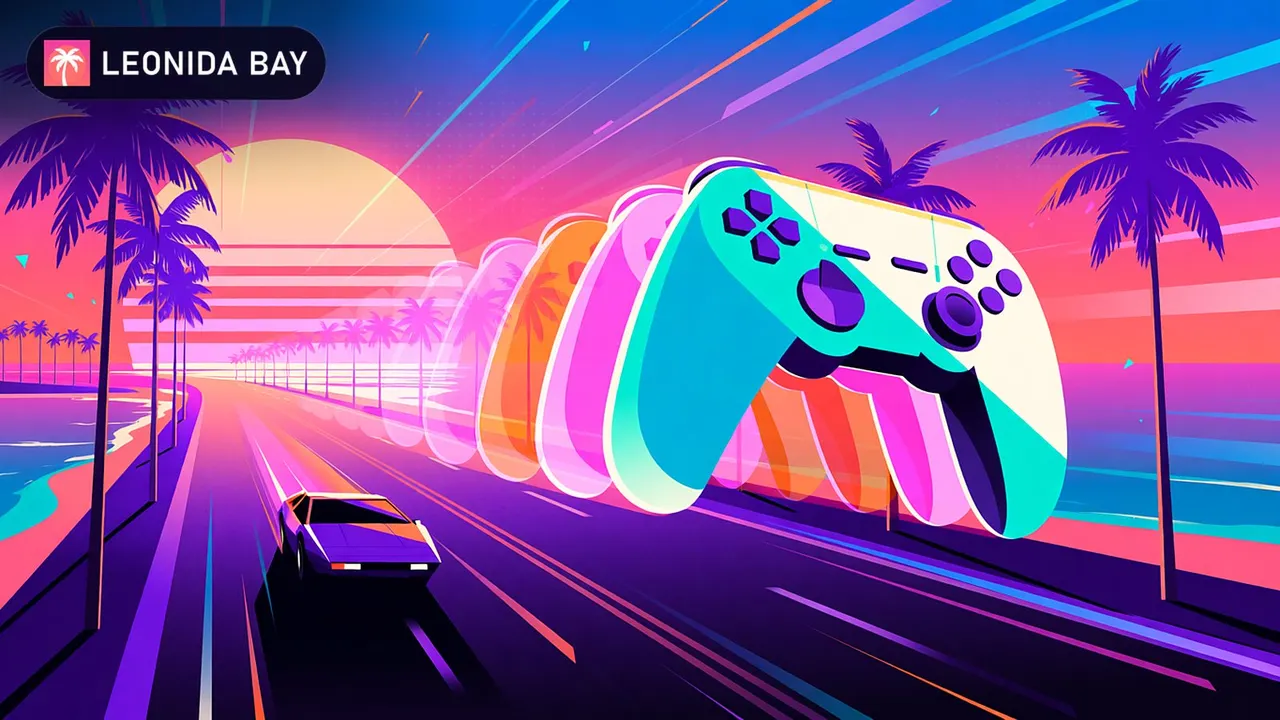
Veyra, a free PC app, uses a capture card and an RTX 40 or 50 GPU to smooth PS5 video, but GTA 6 still runs at 30 FPS and adds input lag.
Veyra, a free Windows 11 app, uses a capture card and an RTX 40 or 50 GPU to make GTA 6 look like 60 FPS on PS5, but the game still runs at 30 FPS and you'll pay for it in input lag. TweakTown and MuyComputer reported it on November 16, and Rockstar hasn't commented.
Update 16:35
SmoovPlay, another free and open source tool, goes after the same goal as Veyra by a different route: instead of a…
SmoovPlay, another free and open source tool, goes after the same goal as Veyra by a different route: instead of a capture card, it receives the PS5 image through Remote Play using chiaki-ng and generates frames with RIFE, an AI model. According to Wccftech and Fanáticos del Hardware, it can insert 1, 2 or 3 frames between the real ones and reach 60, 90 or 120 FPS.
The developer measures about 20 ms of added latency at 60 FPS and 36 ms at 90 FPS, on top of Remote Play's own delay. Wccftech notes it has not been tested with GTA 6 and that controls will still respond like 30 FPS.
Rockstar Games confirmed GTA 6 targets 30 FPS on PS5, PS5 Pro and Xbox Series X|S. With the launch set for November 19, players who want smoother video are looking for workarounds outside the console. Veyra is the one getting the most attention.
How does Veyra make GTA 6 look like 60 FPS?
Veyra takes the PS5's video through a capture card and builds in-between frames on the PC's graphics card.
Veyra takes the PS5's video through a capture card and builds in-between frames on the PC's graphics card. GameGPU, a PC hardware site, covered one tester's results with a PS5 Pro, an Elgato 4K X capture card and a GeForce RTX 4060 Ti.
The app is open source, and its frame generation relies on NVIDIA's dedicated video hardware, which only RTX 40 and RTX 50 cards have. On the 4060 Ti, the tester measures 1 to 2 ms per generated frame.
TweakTown compares the result to the motion smoothing on most modern TVs: the tool guesses what should appear between two real frames.
Veyra by the numbers
- GTA 6 console target
- 30 FPS
- Confirmed by Rockstar, PS5 Pro included
- Time per generated frame
- 1-2 ms
- On an RTX 4060 Ti, per the tester
- Lower capture latency than OBS
- 10-20 ms
- Claimed by Veyra's creator
- Veyra players
- 2.000
- Nearly, per the creator
Source: TweakTown and GameGPU
What do you need to run it?
You need a PS5, a capture card, a PC with an RTX 40 or 50 card and Windows 11.
You need a PS5, a capture card, a PC with an RTX 40 or 50 card and Windows 11. MuyComputer, a Spanish tech site, calls the setup impractical for the average player.
The tester and the creator both recommend capturing at 60 FPS even for a 30 FPS game and stripping out the duplicate frames. Capturing directly at 30 FPS can result in roughly twice the capture latency.
RTX 30 cards don't work for now, though the creator says support is in the works.
The creator says GTA 6 was the reason
A Reddit user claiming to be Veyra's creator says the app has nearly 2,000 players.
A Reddit user claiming to be Veyra's creator says the app has nearly 2,000 players. That figure and the latency claim against OBS come only from his post.
After all, GTA VI is the very reason I created Veyra in the first place.
Your controller won't feel any faster
Generated frames smooth the picture, but they don't speed up the game.
Generated frames smooth the picture, but they don't speed up the game. The console keeps calculating at 30 FPS, MuyComputer points out, and every extra step on the PC adds delay.
The tester warns that fast camera movement can make fixed elements, like a rotating minimap, shimmer. Expect it with quick camera turns while driving the cars of GTA 6 or crossing the Leonida map.
For you, the gain is smoother video, not tighter control. If response time matters most, the plain console is the safe choice.
Nobody has tried it on the final game
Nobody has tested this setup with the final version of GTA 6, according to TweakTown and MuyComputer.
Nobody has tested this setup with the final version of GTA 6, according to TweakTown and MuyComputer. Rockstar hasn't commented on Veyra or announced a 60 FPS mode.
The first real test arrives from November 19, when the game launches on PS5. If you already own a capture card and an RTX 40 GPU, try the setup on another 30 FPS game first and see how much lag you notice.
FAQ
What is Veyra?
A free, open-source Windows 11 app that enhances capture-card video with super resolution and frame generation, according to TweakTown.
Does Veyra work with GTA 6?
Not confirmed. The tests shared so far use a PS5 Pro, an Elgato 4K X and an RTX 4060 Ti, per MuyComputer, and none used the final game.
Does it reduce input lag?
No. Generated frames don't make the game respond sooner, and the PC processing can add delay, according to TweakTown.
Cover image: Ilustracion generada con Krea 2 (Krea)
News like this, recapped weekly in your inbox
Keep reading
Comments0
Be the first to comment.